University of Waikato bids farewell to historic B Block with planned demolition
Demolition begins this week on the oldest building at the Hamilton campus.

Studying Computer Science at the University of Waikato, you'll learn about software systems and how people and computers interact. You’ll also learn how to create new software, and ensure it's easy for people to use.
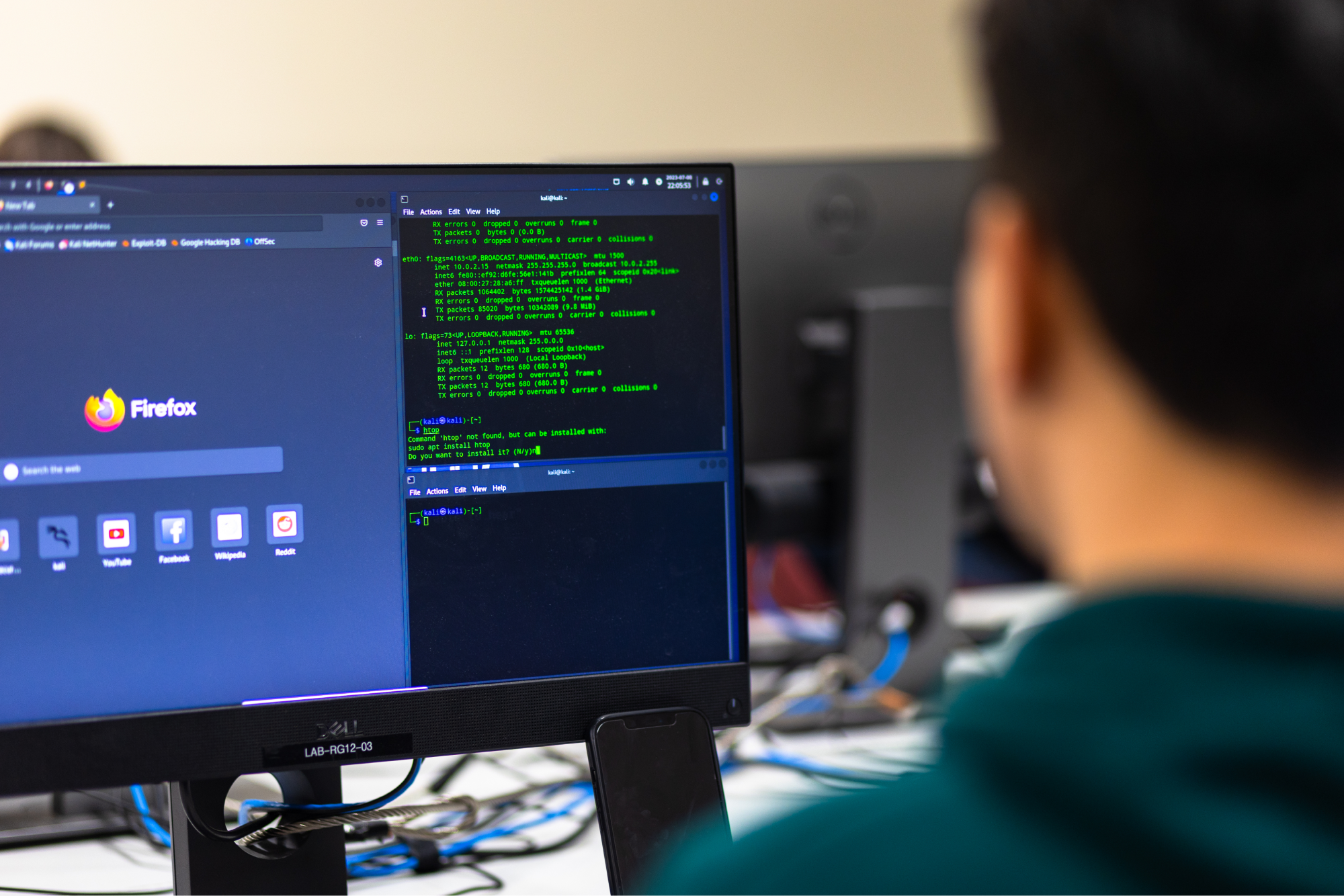
Research in Computer Science and Software Engineering spans different groups and a central research center, with considerable overlap in activities.

Search our staff who contribute to teaching and research in Computer Science and Software Engineering.
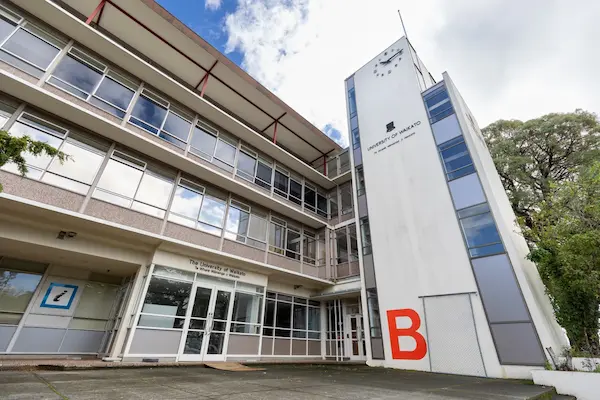
University of Waikato bids farewell to historic B Block with planned demolition
Demolition begins this week on the oldest building at the Hamilton campus.
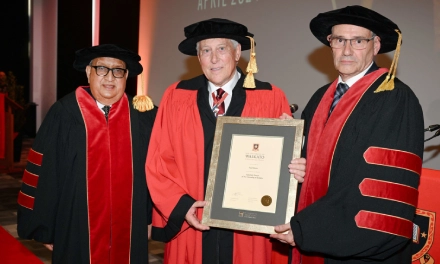
Sir Paul Adams receives Honorary Doctorate from the University of Waikato
Sir Paul received the University's most prestigious award at a ceremony held on our Tauranga campus yesterday.
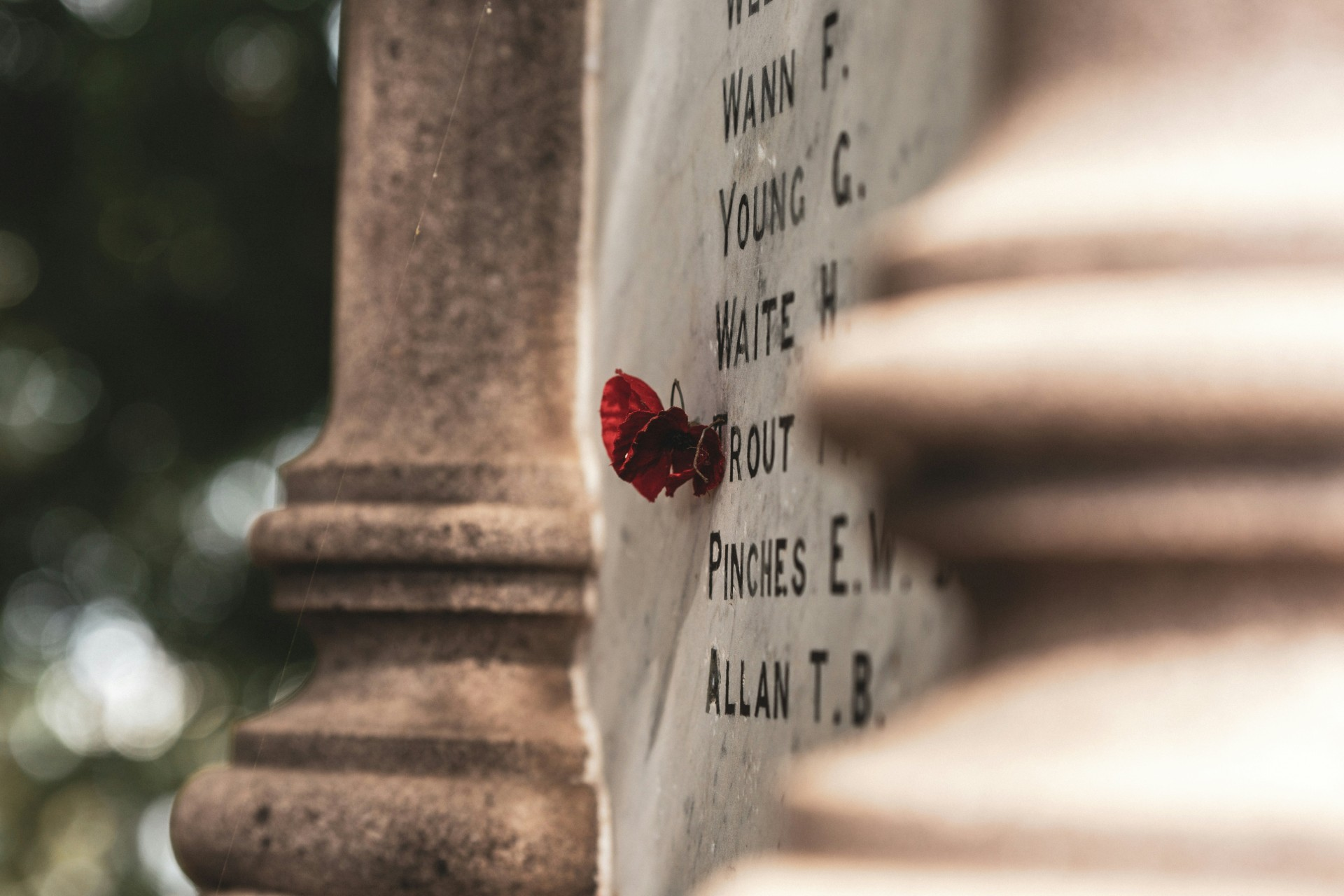
From Gallipoli to Gaza: remembering the Anzacs not as a ‘coming of age’ tale but as a lesson for the future
The battle of Gallipoli against the Ottoman Empire, the story goes, was where the young nation passed its first test of courage and determination.

Ecosystems are deeply interconnected – environmental research, policy and management should be too
Why are we crossing ecological boundaries that affect Earth’s fundamental life-supporting capacity?
You’re currently viewing the website as a domestic student, you might want to change to international.
You're a domestic student if you are:
You're an International student if you are: